Malina Casino
Spin leading slots, join live dealer tables and bet on sports in a fast, clutter‑free interface— built for both mobile and desktop. New members unlock a welcome bundle spread across the first four deposits; plus recurring weekly deals (think Monday reloads and extra spins later in the week). One account lets you switch game types instantly, save favourites and track payments and promos at a glance. Current offers are listed under Bonuses.
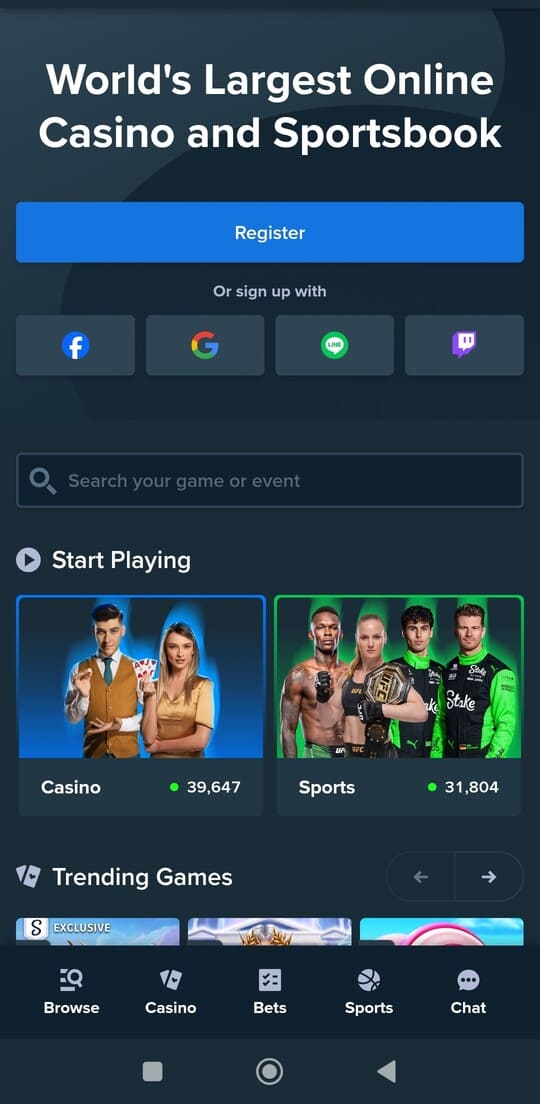
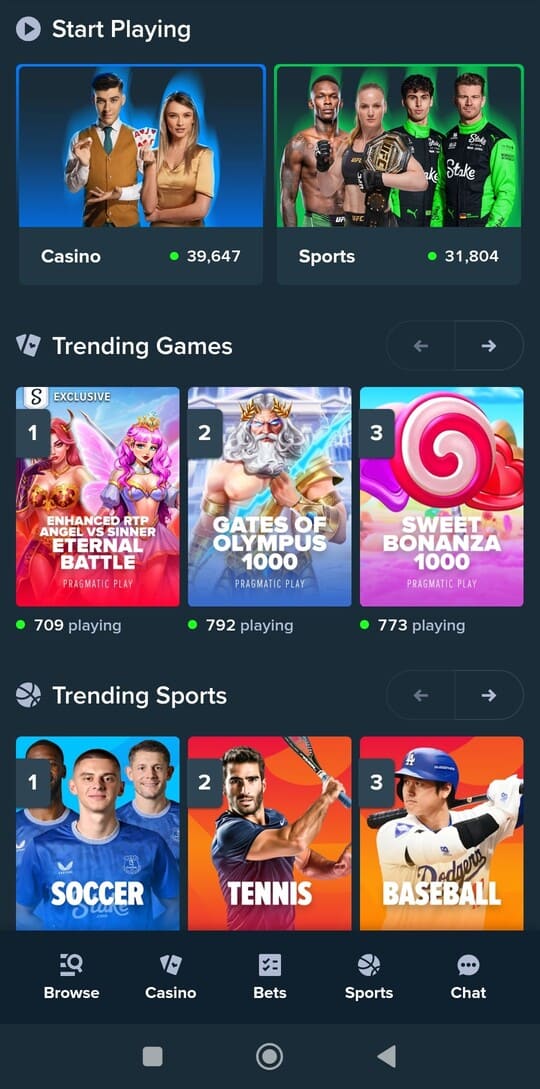
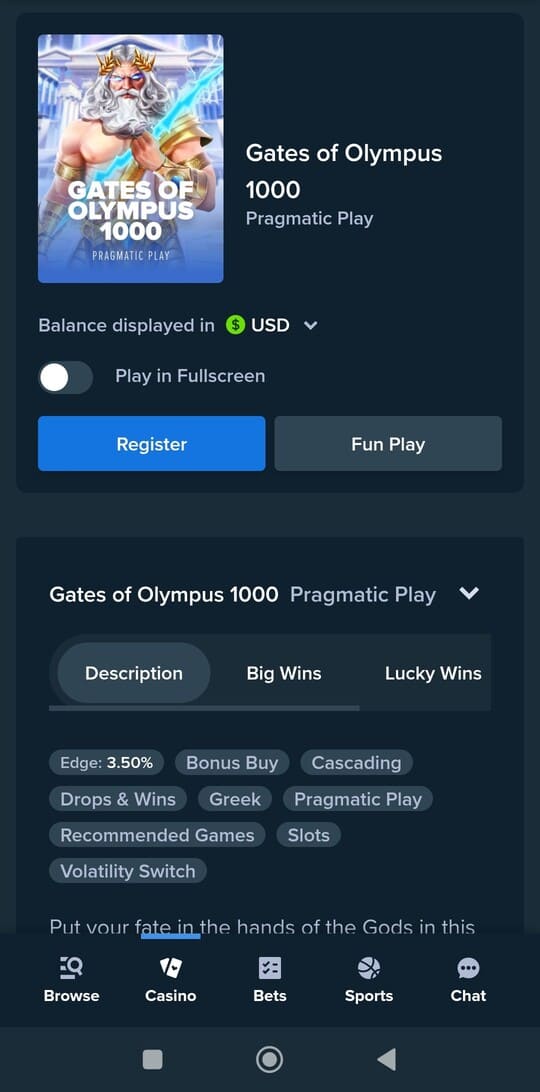
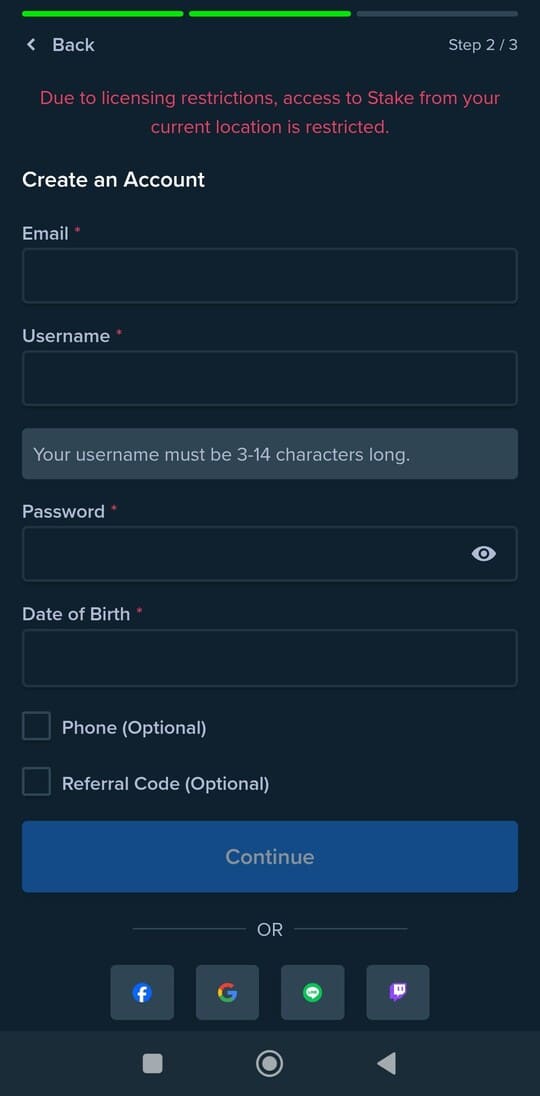
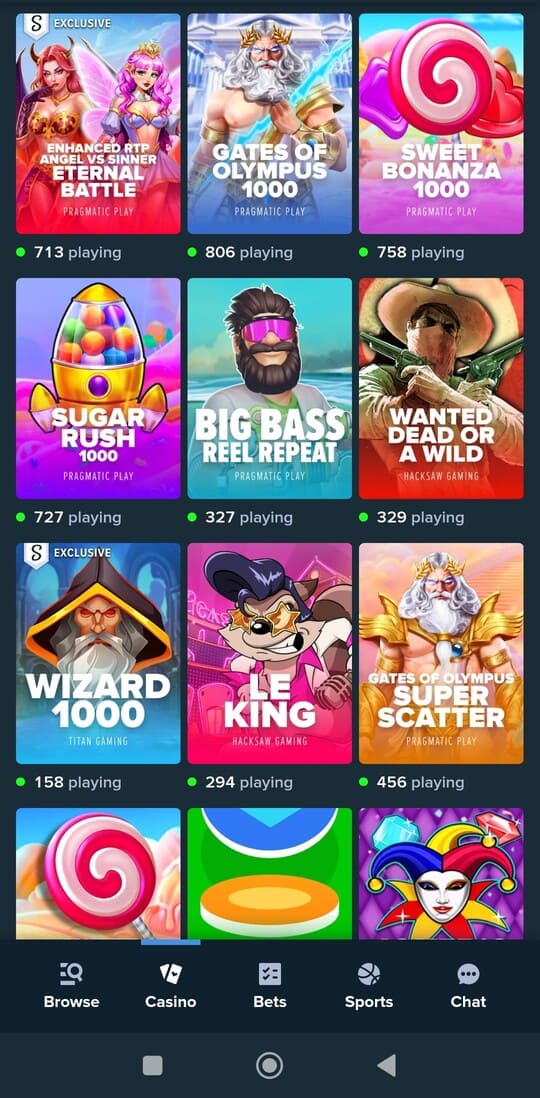
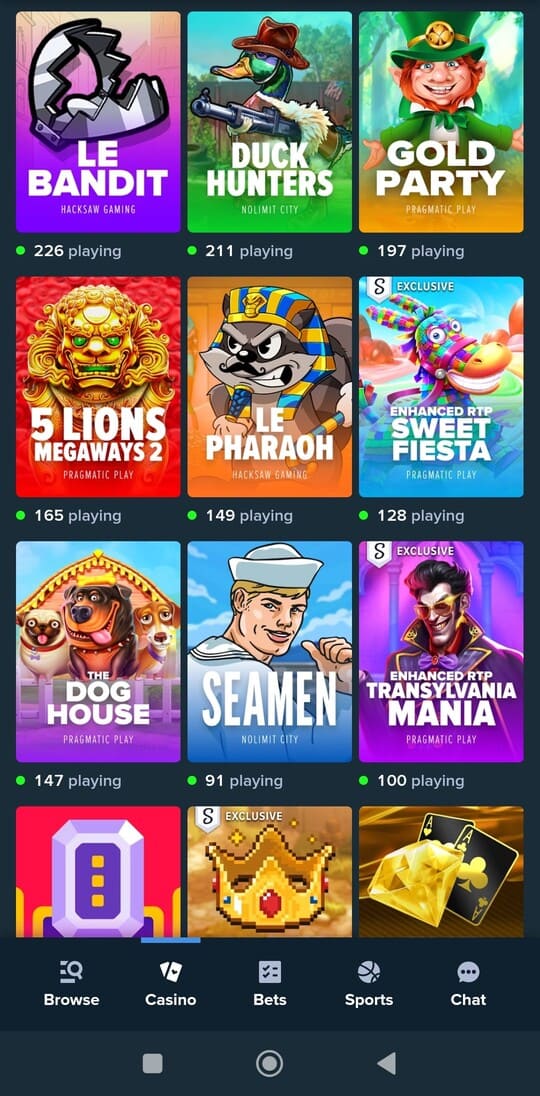
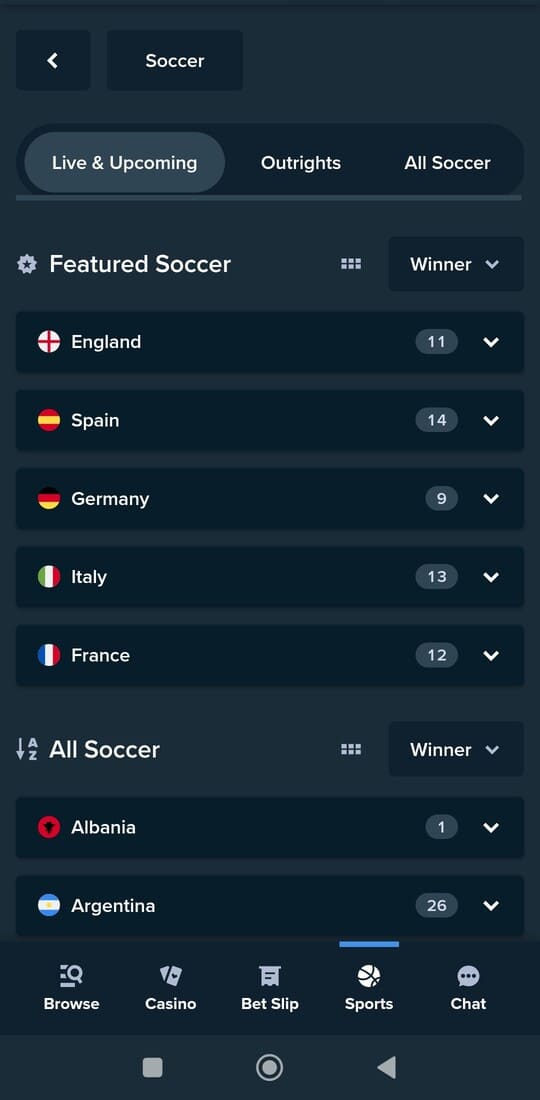
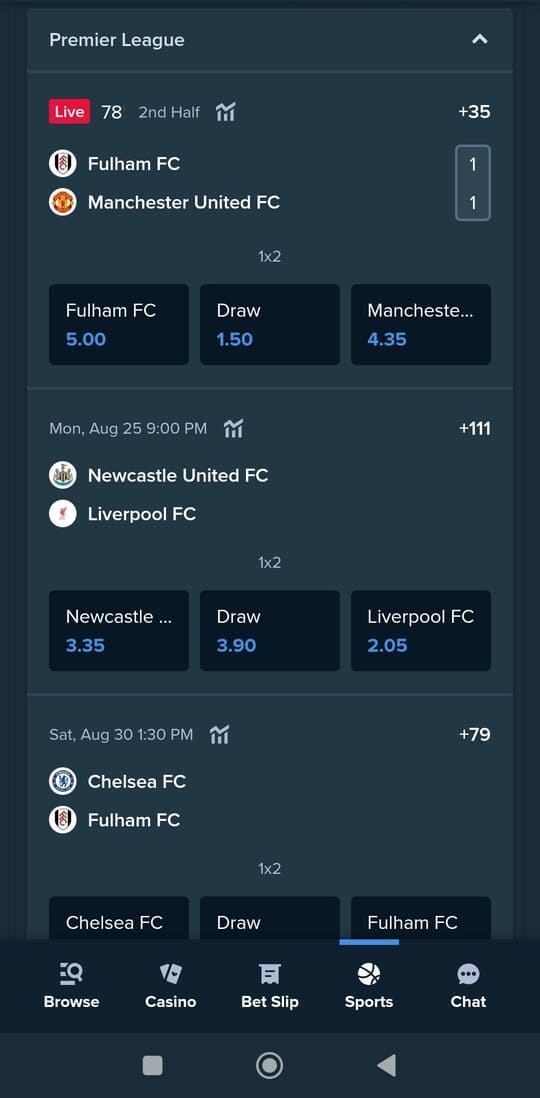
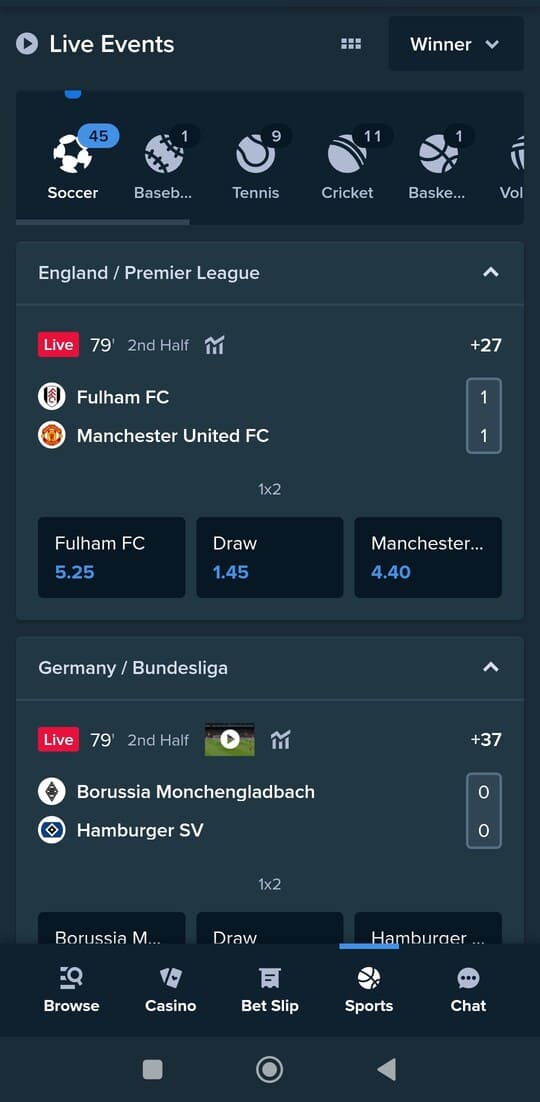
A fast tour of the essentials at Malina Casino. Tap a tile to jump straight to the section you need.
Slots and live casino at Malina Casino

The lobby spreads games across clear groups: classics, Megaways, jackpots and themed picks. With universal search and quick filters, sort by provider, mechanics, volatility or popularity. Your recent plays and favourites stay pinned up top so you can jump back in instantly. Full details live on Slots.
Each slot’s info panel highlights what matters: reels and paylines, RTP guidance, volatility, bet range per spin and whether features like re-spins or bonus-buy are enabled. Extras such as expanding or sticky wilds, symbol upgrades, multipliers, and avalanche/cluster play are summarized so you get the gist without a separate guide.
Jackpot hunters get a dedicated hub for daily, weekly and progressive pots. Tiles display “must drop” thresholds and current prize totals. Sort by jackpot size or by most recent wins—useful if you’re chasing big progressives or prefer frequent drops.
Slot detail views are tuned for speed: rules and paytables open in a light drawer; switch between demo and real mode in one tap (where allowed) and set quick bet steps. You can mute or speed up animations and audio, or switch to a compact layout for a calmer experience.
The live area features real-dealer blackjack, European roulette, baccarat and modern game shows. Table cards show min/max bets, table language and any side bets at a glance. The lightweight player lets you hop tables quickly, adjust stream quality to your connection and review your latest wagers at the bottom bar.
Power users benefit from consistent tools: favourites, “recently played” and provider filters behave the same everywhere. Pin go‑to titles to the top, reorder categories and toggle compact or expanded views. Search understands titles and genres (e.g., “Egyptian”, “fruit”, “Megaways”) and suggests matches based on your history.
The experience mirrors across devices with smart tweaks. On mobile, carousels swipe horizontally with thumb‑reach controls; icons are larger and bet buttons have extra spacing. On desktop, you get added room for paytables, stats and layout—and you can pop multiple windows side by side for quicker comparisons.
New to a mechanic? Short tooltips and examples clarify core features. Already know your favourites? Jump in via quick filters like “Feature buy”, “High volatility”, “Jackpots” or “Classics”. Preferences persist across sessions so the lobby reopens in your favourite view next time.
Sign up: get started fast
Creating an account takes moments and unlocks every section right away. Log in or register via Sign In/Up. One profile saves your favourites, shows recent activity and centralizes your settings—seamless on mobile and desktop.
The flow is simple: enter your details (email or phone) and choose a strong password. Accept the terms and activate your profile via an email link or SMS code. After activation, customize shortcuts to your top categories and choose a compact or expanded lobby layout.
Use your own, accurate personal info. One person may hold one account only; the profile name must match your ID and the payment method you add later. This avoids payout delays and extra checks.
Verification (KYC) may be requested before a withdrawal or when using a new device. Typically this is a clear photo/scan of a government ID, sometimes with proof of address or payment method. Ensure corners are visible, images are sharp and within file limits to speed up approval.
For security, pick a unique password you don’t reuse elsewhere, enable extra sign‑in confirmation if available, and revoke unknown sessions immediately. In your profile you can view active sessions and log out everywhere with one action. On shared devices, disable “stay logged in.”
Set your language and notifications (e.g., balance updates or new promos). Mark favourite providers, reorder categories and pin recent titles to keep them on top. Your preferences are saved and restored on your next visit.
Stuck? Work through this quick checklist: check your spam folder, request a new activation code, try another browser, or clear old cache. If the address already exists, choose password reset; if codes don’t arrive, verify your number and ensure SMS blocking is off.
Once set up, your account hub shows recently played titles, saved favourites, notification choices and a summary of key activity. From here, jump between slots, live tables and sports without detours, and set limits and session preferences that match your play style.
Welcome bundle & promotions

New players can claim a welcome bundle split across the first four deposits. Each step has its own terms and clear in‑account description. Choose per deposit what suits you best: a slots‑focused offer or one tailored to live tables. Activation is easy—pick the offer before you deposit and confirm the summary.
Progress updates in real time with a status bar showing what’s completed and what remains. Each promo explains which categories contribute, what stakes are eligible, and how long it’s valid. You’ll also see the maximum allowed bet per spin/round while a bonus is active to prevent surprises.
Weekly regulars keep things moving. Early week usually brings a reload; later in the week often centres on extra spins. The exact mix changes, but the structure is consistent: activate, play within the window, and redeem rewards in your account. Profile alerts flag deadlines and steps left.
Use filters to focus on what you like—show only promos relevant to your favourite providers or a chosen category. Recently completed offers appear below with date and recap, so you can review what you claimed and how it turned out.
Game contributions vary by category. Slots often count fully, while some variants may contribute less or be excluded. Live tables usually have distinct rules: side bets might count differently from main wagers, and certain strategies (like blanket coverage) can be outside bonus terms.
The VIP program rewards regular play. Earn levels through activity; along the way, collect BP (bonus points) to swap for balance or extras directly in your account. Your current level and distance to the next tier are shown with a concise list of perks.
Transparency first. Before you activate, you’ll see a short summary with duration, category contributions, max bet, any excluded games and how rewards unlock. You can reopen this summary at any time; progress updates automatically as you play.
A typical path: choose the offer, deposit, play eligible categories and complete the required progress. Rewards then land in your account with a timestamp and a claim button. If you don’t finish on time, the offer expires automatically and your regular balance remains intact.
Prefer to play promo‑free? Ignore offers or turn alerts off. Don’t want to miss anything? Enable notifications for gentle reminders when an offer is about to expire or when a new promo matches your play pattern. You can revert these settings anytime.
In short: pick the right deal per deposit, monitor progress clearly and exchange saved points for extras when you wish. With predictable steps and crisp summaries, you stay in control of what you activate and what you get back.
Sign in

Sign in with your email or phone and password. You’ll land on your account hub showing recent activity, favourites and quick links to slots, live tables and sports. The start view adapts to what you use most, cutting down on clicks.
On trusted devices you can stay signed in; on shared or public devices, always sign out after use. Using a new device may trigger a short confirmation—this prevents misuse and keeps your profile and balance secure.
Your account view condenses the essentials: last played, favourites, alerts and an at‑a‑glance summary of active offers. Adjust settings without hopping pages—language, notifications, category shortcuts and lobby order.
Forgot your password? Request a reset code and pick a new one right away. Use a strong, unique password. If you spot unusual sign‑ins, close all sessions from your profile and change your password. You can also disable remembered sign‑ins.
Trouble logging in? Check for typos in your email or number, reset your password, inspect your spam folder for recovery emails, and try another browser or clear stale cache/cookies. Temporarily pause extensions that may block forms.
If you see a security message (like “too many attempts” or “unknown device”), wait a moment before trying again or follow the verification step provided. This keeps access clean and avoids accidental lockouts.
The UI is consistent across devices, with logical differences: larger tap zones on mobile and more detail space on desktop. The login page remembers your choice of email or phone and supports autofill where possible.
After a successful sign‑in, continue instantly: reopen your last game, switch to live tables or browse sports markets. Everything is reachable via the top navigation and quick shortcuts in your hub.
Deposits & withdrawals

Handle deposits and withdrawals from your account hub. Choose a method, review a clear summary with per‑transaction minimums and maximums, then confirm only when everything matches. Any fees or wait times are shown upfront so you know what to expect.
Deposits usually appear instantly. If confirmation is needed, the status stays “pending” until your provider responds. You can cancel while it’s pending; after processing, the funds show in your balance and appear in your history.
Withdrawals are processed as quickly as possible. Timing depends on method, time of day and whether your details have been verified. Your history shows each request with status (“pending”, “processed”, “credited” or “cancelled”) and the next step.
For security, KYC may be required before a first withdrawal or when signing in on a new device. A clear photo of your ID usually suffices, sometimes with proof of address or payment ownership. The sharper and more complete the upload, the faster the review.
To avoid delays, it’s often fastest to withdraw back to the same method you used to deposit (“return to source”). When that’s not possible, pick an alternative in the list and follow the short step‑by‑step guide.
Limits keep things tidy. You’ll see per‑method minimums and maximums, and where applicable daily or weekly caps. If you hit a limit, a message tells you when you can try again. The system blocks duplicates and returns clear errors instead of stalling.
Practical tips: ensure your account name matches your payment method; avoid shared accounts; and confirm the summary before submitting. If something looks off, cancel and try again or select a more suitable method.
For the full list of methods, per‑transaction ranges and extra guidance, visit Payments. You’ll find typical processing times and what to do if a provider is under maintenance or responding slower than usual.
Bottom line: pick your route, confirm the summary and track status in your history. With clear prompts, consistent steps and swift confirmations, you stay in control from deposit to payout—no detours.
Sports betting at Malina Casino

Browse live and pre‑match markets with clean competition filters and quick categories such as popular bets, handicaps, totals and player props. Odds refresh automatically; before confirmation, you’ll see any change and can tweak your stake.
The bet slip calculates stake, potential payout and combo rules instantly. Add or remove markets without losing your selection; invalid combos are clearly flagged with a brief reason.
For live betting, the layout is compact: scores, game time and key events sit up top with fast markets by match phase below. The odds feed prioritizes frequently shifting lines so you don’t lose momentum at big moments.
Build accumulators in a few taps. Same‑game multis are available where rules allow; if a market can’t be combined, you’ll get an alternative with a similar outcome (e.g., a totals line with a nearby mark).
Cash‑out supports full and partial settlements. The slip shows when cash‑out is briefly paused (e.g., VAR review or time‑out) and when it resumes. The latest cash‑out value is pinned for quick confirm.
Notifications keep you sharp: set alerts for goals, cards, period ends and odds thresholds. On mobile, the slip stays within reach; on desktop, place scores and markets side by side for faster checks.
Tournament pages bundle fixtures, live scores and shortcuts to specials. Filters by date, country and competition work the same everywhere; favourites float to the top so your go‑to leagues always appear first.
Your history lists recent bets with status, odds at placement, any cash‑out and settlement. Use “re‑place” to load the same selection in one tap—markets update automatically if lines have closed.
Why choose Malina Casino

A deep game library meets a clean, consistent interface. Switching between slots, live tables and sports feels identical across screens with familiar controls and patterns. Pages load quickly, carousels respond instantly and filters stay visible as you browse.
Personalization saves time: favourites float to the top, “recently played” sits on the start bar, and you can rearrange categories in your order. Search understands titles, providers and themes; suggestions adapt to your behaviour without clutter.
Promos follow a predictable flow: a welcome bundle over your first deposits, plus weekly staples. Every offer has a brief summary with duration, per‑category contribution and max bet. Progress updates in real time; claiming takes a single step—no extra screens.
Returning players level up through VIP with clear tiers and rewards. Activity tracks continuously, and you always see your progress and next milestone. Swap BP (bonus points) in your account instantly, with a concise log of previous exchanges and timestamps.
Payments are transparent. Per method, you’ll find minimums, maximums and expected timelines together; the pre‑confirm summary prevents errors. History shows status, time and route. If verification is needed, you get a simple checklist and live feedback on your upload quality.
Stability and speed are priorities. Live tables switch smoothly, stream quality adapts to your connection and components load incrementally so you aren’t waiting on excess assets. On mobile, controls sit within thumb reach; on desktop, you get extra room for detail.
You control notifications and privacy. Toggle alerts for promos, balance and matches in one tap. Session management shows where you’re signed in; “log out everywhere” closes all at once. Preferences, language and layout live in a single, consistent panel.
Support stays close. If something stalls, you’ll see concrete steps first; if you still need help, contact is quick and you can outline exactly what you’ve tried. From sign‑up to cash‑out, the path stays short, clear and predictable.
Compare: app, mobile site and desktop
Each option has its edge. The mobile site works without installation, desktop suits longer sessions with extra screen space, and the Android app delivers the quickest, most stable on‑the‑go play. Read more on the App page.
| Feature | Android app 🤖 | Mobile site 📱 | Desktop 🖥️ |
|---|---|---|---|
| ⚡ Speed & stability | Highly responsive, tuned for Android. | Good; depends on network and browser. | Very stable, ideal on fixed internet. |
| 📶 Data usage | Efficient via local assets and caching. | Moderate; reloads more pages. | Moderate/low; many resources cached. |
| 🎥 Live odds & streams | Fast updates with minimal delay. | Solid; may hiccup at peak times. | Smooth with stable connection. |
| 🔔 Notifications | Supported; quick event alerts. | Limited to browser notifications. | Not standard outside the site. |
| 🤏 UX on small screens | Designed for touch and thumb reach. | Flexible; browser‑dependent. | Not ideal; more scroll/zoom. |
| 🧭 Feature access | Full; instant switching between sections. | Good; sometimes extra steps. | Full; lots of room for details. |
| 🔄 Updates & maintenance | Via app updates and silent tweaks. | Automatic via web; instant. | Automatic via web; instant. |
| 🔐 Security | Encryption plus OS‑level protection. | SSL/TLS; browser settings apply. | SSL/TLS; managed in browser. |
| 📦 Offline assets / caching | Strong; many UI elements local. | Limited; more reloading. | Good; browser cache helps. |
| 🧰 Multitasking | Fast app/task switching. | Works with tabs; less fluid. | Robust via multiple windows. |
| ⚙️ System requirements | Android 5.0 or newer. | Modern mobile browser. | Modern desktop browser. |
| 🙂 Ease of use | Compact; controls within reach. | Familiar; sometimes extra taps. | Spacious; overview per screen. |
Safe & responsible play

Keep play clear and manageable. Set fixed limits in your account: daily/weekly deposit limits, a loss limit for a period and a session timer for continuous play. When you hit a limit, you’ll see a clear notice and activity pauses until the timer resets.
Build in breaks. Real‑time reminders appear at set intervals with your session time and recent results. Need a breather? Enable a short time‑out (e.g., 24 hours) or schedule pauses in advance. During a pause, you can access settings but can’t place bets.
For longer breaks, choose self‑exclusion for a defined period. It’s confirmed immediately in your profile and can’t be lifted early. The system shows the same status everywhere, and you’ll see the remaining duration if you try to play while excluded.
The “History” area shows what actually happened: deposits and withdrawals, placed bets, outcomes and any cash‑outs. Filter by period or category and export a file for your records. This helps you spot trends and adjust if spending creeps up.
Reduce stimuli when you want. Mute animations, switch off sound and use a compact layout for fewer visual cues. On mobile, larger tap zones prevent accidental confirms; on desktop, add extra confirms for higher stakes or when nearing your session limit.
Notifications keep you informed without distraction. Choose which alerts to receive: limit reminders, expiring promos or end‑of‑session summaries only. Toggle each alert on or off, and review your active settings in one place.
If something blocks you, the help section offers quick steps for common cases: lost password, verification requested, adjusting limits or a failed payment. If it still isn’t resolved, contact support from the same screen and include the steps you’ve tried.
Your data stays under your control. In “Privacy & security” check active sessions, sign out of all devices at once and decide how long to stay logged in on a device. It’s wise to keep sessions device‑specific and review them regularly for anything unfamiliar.
Self‑checks and tips support balance. Ask yourself: do you play longer than planned, chase losses, or find it hard to pause? A quick post‑session check—time spent, rounds played, outcome—makes it easier to plan your next session and adjust limits if needed.
In short: set boundaries, schedule breaks, track your history and use tools that keep you focused. Everything sits in one place and works the same on mobile and desktop, so you can play with confidence and keep the bigger picture in view.
Frequently asked questions
No mirror is required when downloading from this page. The site isn’t blocked, so you can access the software directly without detours.
There’s no separate installation bonus. New players start with a welcome bundle split across multiple deposits, plus recurring weekly deals.
Typically a multi‑step welcome bundle for early deposits and weekly offers that refresh regularly. Your account shows what’s active and how long each promo runs.
It depends on the offer. Sometimes a code is pre‑applied; other times you select the promo in your account. Read the promo description for exact activation steps and timing.
Yes. Each offer has its own rules on contribution, time limits and per‑game restrictions. The terms explain how progress is calculated and completed.
As fast as possible. Timing depends on your method and whether your details were verified. Your history shows the status and next step for each request.
To secure transactions and prevent misuse. It’s usually a one‑time check; after completion, payments generally move faster.
Confirm your email or phone number and request a reset code if needed. Check your spam folder. If issues persist, contact support.
The app usually feels faster and more stable with touch‑first design. The mobile site needs no installation and is handy for quick checks.
Yes. Follow the instructions on the Mirror page for a safe, up‑to‑date route. Always use the described steps.